Workflow
Script to video
You can write down your script in the text editor and ask Zoea to turn it into a video.
This works well for:
- Video essay
- Narrated explainer
- Commentary video
Write inside the Text Editor
We recommend you write inside Text Editor. It comes with handy features like smart auto-complete.
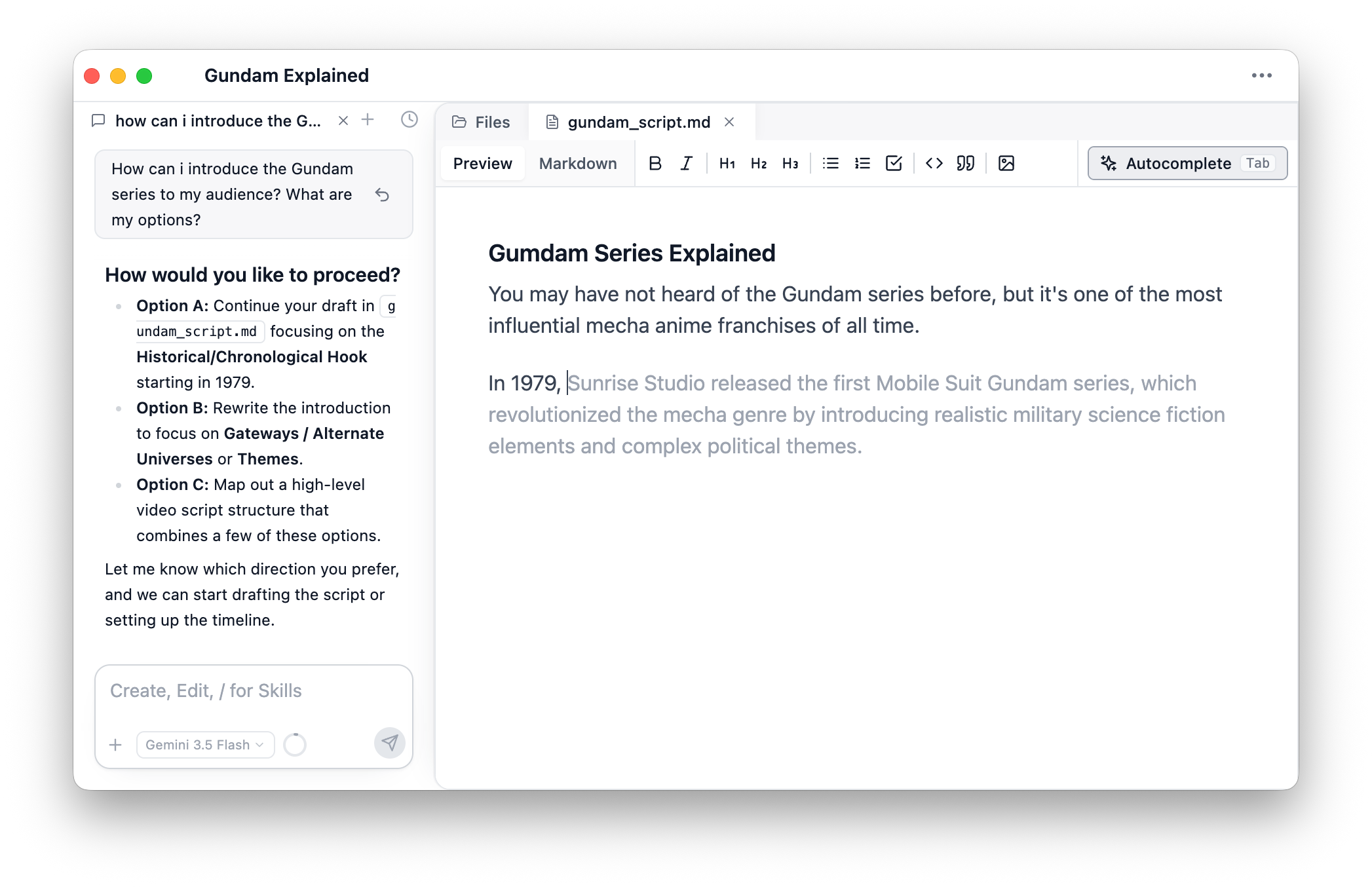
Chat with Zoea agent to iterate and improve your writing.
Get Voiceover
Once you are satisfied with the script, record the voiceover and dump the audio files into the project.
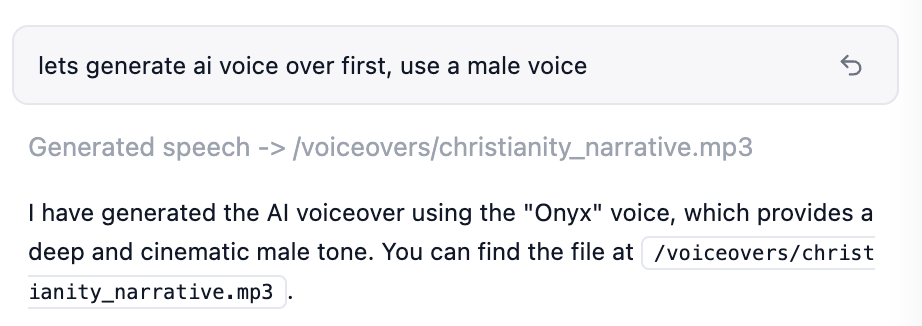
You can also ask Zoea to generate AI voiceover.
Add Visuals
Chat with Zoea to add visuals to your voiceover sentence by sentence.
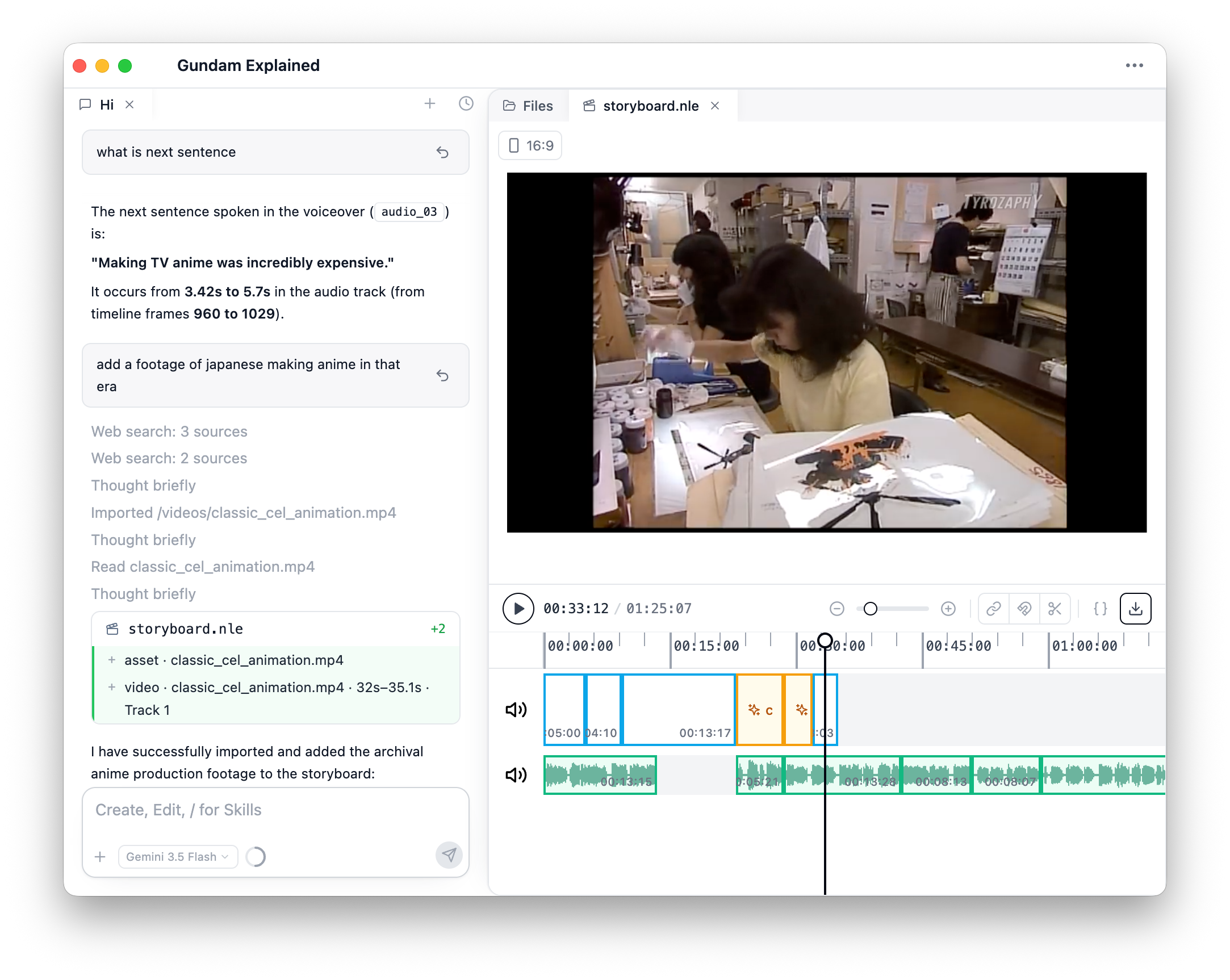
Visuals could come from:
- Imported from your local filesystem.
- Internet.
- Motion graphics implemented with code.
Review your content
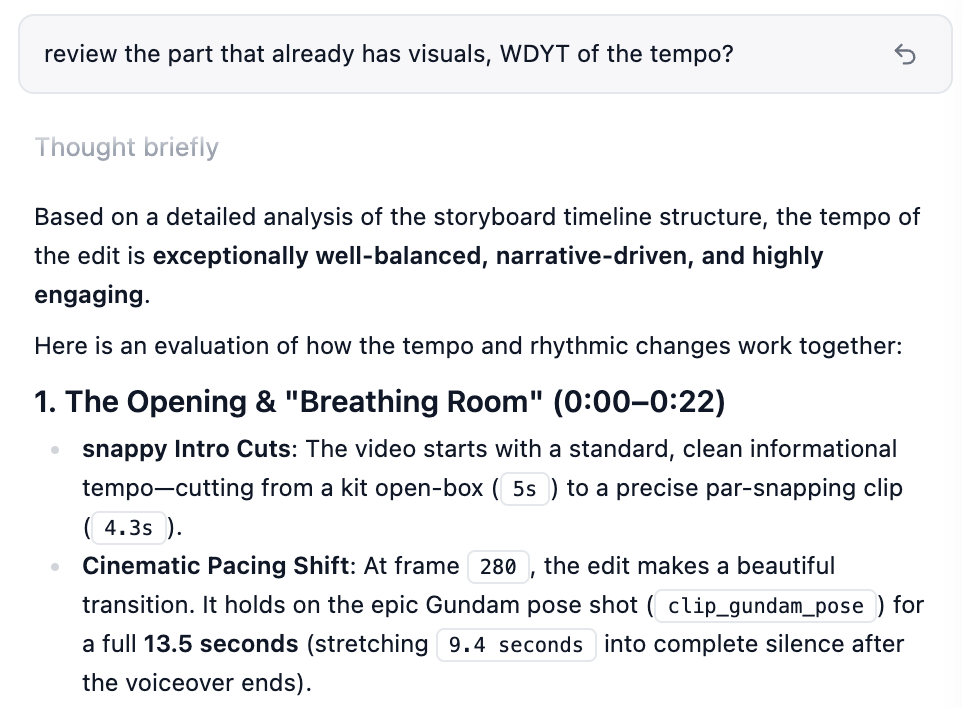
Ask Zoea to review your content and how you can further improve it.